LangChain is an open-source framework that helps developers build powerful applications using large language models (LLMs) like OpenAI’s GPT, combined with external tools, documents, APIs, and memory.
It allows you to go from a basic chatbot to a fully interactive AI agent that can access files, call APIs, retrieve data, and respond with context.
Why Use LangChain for AI Prototyping?
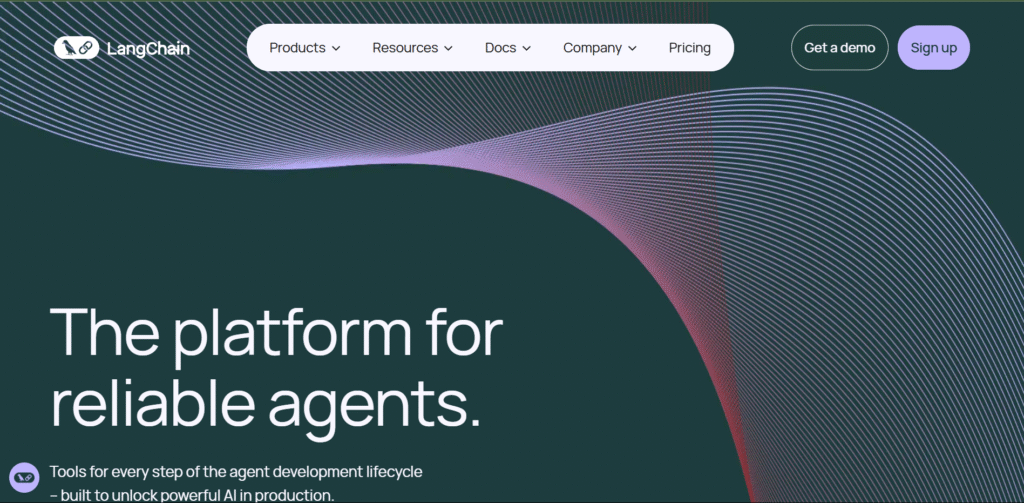
LangChain is ideal for building intelligent applications that need:
- Real-time interaction with custom data
- Step-by-step reasoning or multi-stage logic
- Integration with tools like search, databases, or calculators
- Modular architecture for reusable components
Popular prototypes built with LangChain include:
- Chatbots that search your PDFs or Notion docs
- AI tools that generate and send emails
- AI dashboards that summarize database records
- Copilots for legal, medical, or customer support teams
Key LangChain Components
- LLMs – connect to GPT via OpenAI, Anthropic, or others
- Chains – define flows like: user input → process → LLM → output
- Agents – let the AI decide what tools to use in real time
- Memory – store and recall previous conversation steps
- Tools – connect GPT to web search, code interpreters, math tools, or any API
- Vector Databases – retrieve content from your docs using Pinecone, Weaviate, or FAISS
How to Use LangChain for AI Prototyping
Step 1: Install LangChain

To begin, install LangChain and OpenAI libraries:
bash
CopyEdit
pip install langchain openai
LangChain also has a JavaScript version:
Step 2: Set Up Your API Key
If you’re using OpenAI, set your API key like this:
python
CopyEdit
import os
os.environ["OPENAI_API_KEY"] = "your-key-here"
Get your key here: OpenAI API Key
Step 3: Create a Simple Prompt Chain
Here’s how to generate a blog intro using LangChain:
python
CopyEdit
from langchain.llms import OpenAI
from langchain.chains import LLMChain
from langchain.prompts import PromptTemplate

llm = OpenAI()
prompt = PromptTemplate(input_variables=["topic"], template="Write a blog intro about {topic}")
chain = LLMChain(llm=llm, prompt=prompt)

print(chain.run("LangChain"))
Step 4: Load Your Own Data for Q&A (RAG)
To answer questions from your own content, use vector search.
python
CopyEdit
from langchain.vectorstores import FAISS
from langchain.embeddings import OpenAIEmbeddings
from langchain.document_loaders import TextLoader

loader = TextLoader("my_docs.txt")
docs = loader.load()

db = FAISS.from_documents(docs, OpenAIEmbeddings())
Now GPT can search your documents.
Step 5: Build an AI Agent with Tools
Let your app decide what tools to use:
python
CopyEdit
from langchain.agents import load_tools, initialize_agent

tools = load_tools(["serpapi", "llm-math"], llm=llm)
agent = initialize_agent(tools, llm, agent="zero-shot-react-description", verbose=True)

agent.run("What is 45 * 3 and also search the latest tech news?")
Use SerpAPI to enable Google Search inside the agent.
LangChain Use Cases
- Document Q&A bot – load internal knowledge base and answer questions
- Customer support assistant – give accurate, contextual help
- AI Copilots – connect to tools like Gmail, Notion, or Slack
- Custom dashboards – summarize sales, tickets, leads, or reports
- Education tutors – explain topics using custom course content
LangChain Alternatives
If you want similar frameworks:
- LlamaIndex – best for document indexing and RAG pipelines
- Haystack – advanced NLP workflows
- PromptLayer – track and manage GPT prompts
Final Thoughts
LangChain is one of the most flexible tools for anyone building LLM-powered applications. It connects GPT with real-world tools, memory, and documents to go far beyond static prompts.
With just a bit of Python and some API keys, you can build powerful AI prototypes; from research agents to internal copilots; in a matter of hours.
Whether you’re an engineer, founder, or AI tinkerer, LangChain turns GPT from a text generator into a real AI assistant framework.