Descript is a powerful, AI-driven tool that revolutionizes how creators edit audio and video content. With its unique transcription-based interface, Descript simplifies tasks like podcast editing, video trimming, voiceovers, and screen recordings. Whether you’re a content creator, marketer, teacher, or business owner, Descript offers a streamlined way to produce high-quality content fast.
What is Descript?
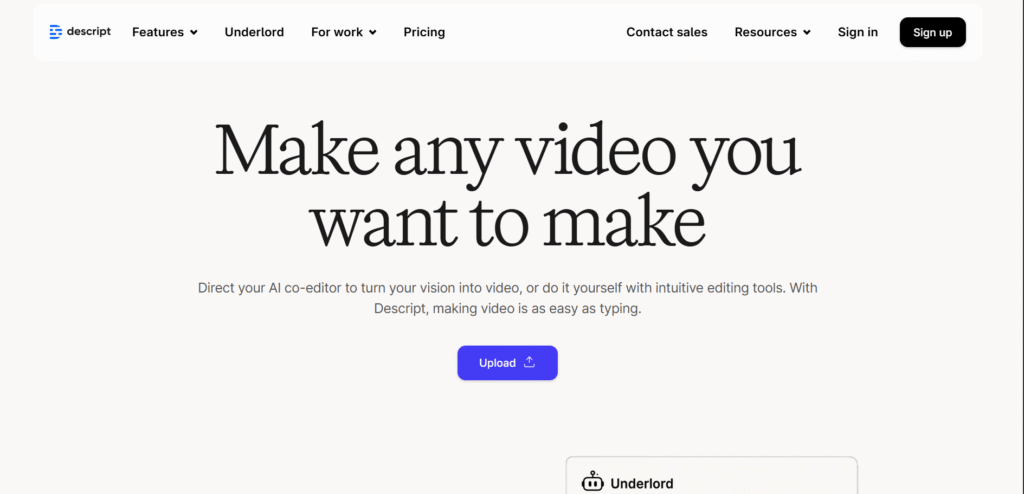
Descript is an all-in-one audio and video editing software that uses automatic transcription as its foundation. Instead of traditional timeline editing, Descript allows users to edit their content like a text document cutting, copying, deleting, and pasting words, which in turn edits the media file accordingly.
This makes audio and video editing far more intuitive, especially for those without technical expertise.
Key Features of Descript
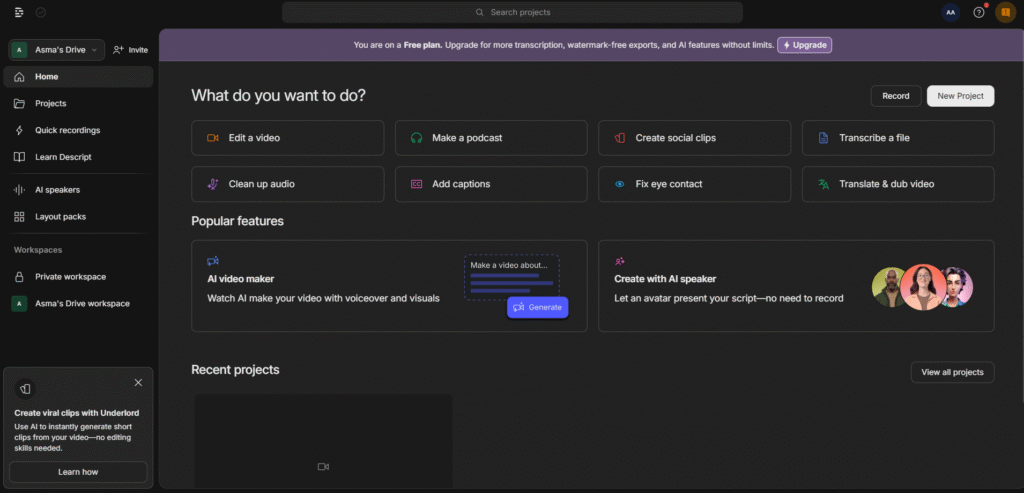
1. Transcription-Based Editing
Descript automatically transcribes your recordings with high accuracy. Simply delete words from the transcript and the corresponding audio or video gets edited.
2. Overdub
A standout feature, Overdub lets you create a text-to-speech clone of your own voice. You can type new dialogue and Descript will generate audio in your voice, ideal for fixing mistakes or adding content without re-recording.
3. Screen Recording & Webcam Capture
Descript offers built-in screen recording tools with webcam and microphone support, making it perfect for tutorials, product demos, and presentations.
4. Multi-Track Editing
You can edit multiple audio and video tracks in one project. This is helpful for interviews, podcasts, or collaborative recordings.
5. Studio Sound
Enhance audio quality automatically with Descript’s “Studio Sound,” which removes background noise and sharpens voices for a professional finish.
6. AI-Powered Filler Word Removal
With a single click, Descript identifies and removes filler words like “um,” “uh,” “you know,” etc., making your speech sound cleaner and more confident.
7. Video Editing Tools
Add images, text, transitions, and animations directly within Descript. No need to export to another platform for basic video editing.
8. Collaboration & Cloud-Based
Descript supports team collaboration with version history, commenting, and real-time updates similar to Google Docs for audio/video editing.
Who Uses Descript?
- Podcasters: To transcribe, edit, and publish episodes
- YouTubers: For fast video edits and voiceovers
- Educators: To create engaging lessons and tutorials
- Marketers: For repurposing webinars and social media content
- Businesses: To streamline internal training videos and presentations
Pricing Plans
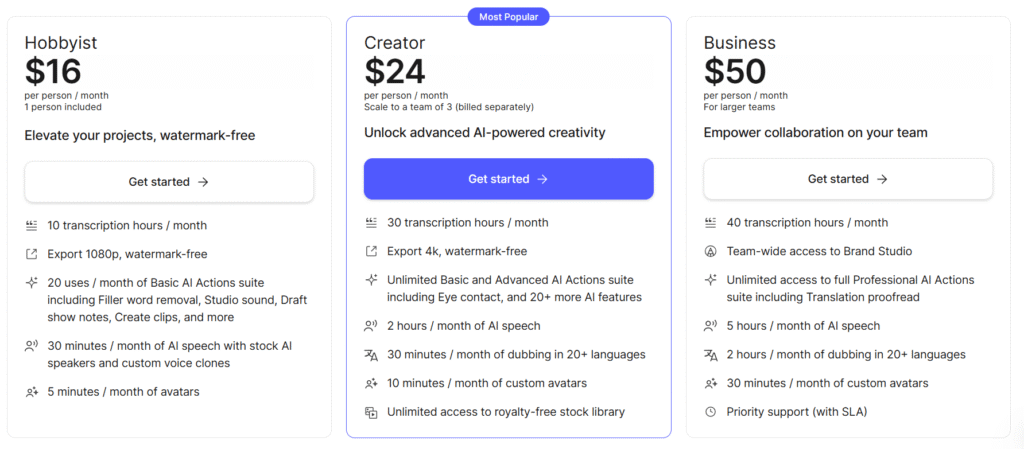
Descript offers a free plan with limited transcription minutes and basic features. Paid plans (Creator, Pro, and Enterprise) include enhanced functionality like more transcription time, Overdub, publishing tools, and brand kits.
Visit the official site to view plans: www.descript.com
Why Choose Descript?
Descript replaces multiple tools like Audacity, Zoom, Camtasia, and Premiere Pro into one smart interface. It saves time, reduces the learning curve, and allows users to focus on storytelling rather than technical workflows.
Final Thoughts
Descript is not just an editing tool; it’s a game-changer for modern content creation. With its AI-driven transcription and voice cloning features, it empowers users to produce professional-quality audio and video with minimal effort. Whether you’re a beginner or an experienced creator, Descript can significantly improve your workflow.