Podcasting has become one of the fastest‑growing content formats in the world, and producing a professional‑sounding show is no longer limited to expensive studios. Thanks to AI audio tools, anyone can create broadcast‑quality podcasts from home or even on the go. In this guide, we’ll explore how to plan, record, edit, enhance, and publish your podcast using AI‑powered platforms, along with direct links to each tool.
1. Plan Your Podcast for Success
Before touching the microphone, create a strong foundation:
- Choose your niche and format: Decide on your topic, audience, and style (interview, solo, storytelling, panel discussions, etc.)
- Structure your episodes: Draft an outline with segments, transitions, and calls to action
- Decide on frequency: Weekly, biweekly, or seasonal formats work best for consistency
A well‑planned podcast ensures smooth production and helps AI tools deliver better results in editing and transcription.
2. Record High‑Quality Audio with AI Assistance
Recording quality matters more than any post‑production tool. Modern AI recording platforms help you capture studio‑grade audio even in less‑than‑perfect environments.
- Riverside.fm : Records locally on each participant’s device for uncompressed audio and video. It also separates tracks for cleaner editing and generates automatic transcripts.

- Krisp : Removes background noise in real time. Whether it’s keyboard clicks, traffic, or room echo, Krisp filters distractions during live recording.

Pro Tip: Combine Riverside’s separate track recording with Krisp’s AI noise suppression for a crystal‑clear starting point.
3. Clean and Enhance Voice Quality
Even good recordings can benefit from post‑processing. AI enhancement tools can make your audio sound as if it was recorded in a professional studio.
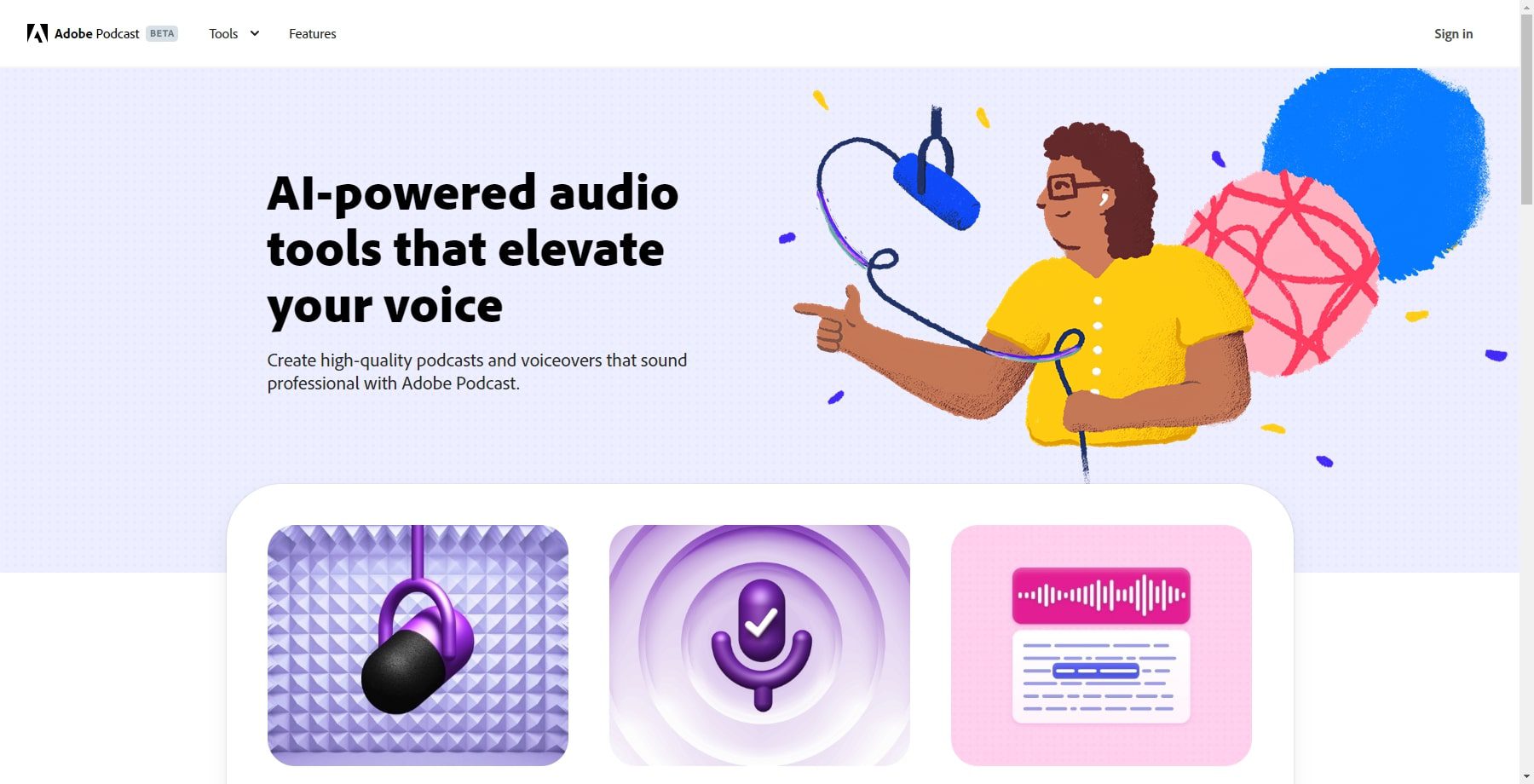
- Adobe Podcast Enhanced Speech : Uses AI to remove echo, normalize volume, and sharpen vocal tones. It’s especially useful for interviews recorded in home offices or via remote calls. Upload your raw audio, and the tool outputs a cleaner, more balanced track in minutes.
4. Edit Your Podcast Faster with AI Tools
Editing is often the most time‑consuming part of podcast production, but AI is changing that. Modern editing platforms allow you to work directly with transcripts rather than manually cutting audio files.
- Descript : Turns your audio into text so you can edit by simply deleting words or sentences from the transcript. It also offers features like automatic filler‑word removal, background noise reduction, and “Studio Sound” for consistent tone.

- Riverside.fm Podcast Editor : Offers Magic Clips to automatically create short promotional segments, silence removal, and automatic show notes.

5. Add Voice Cloning and Synthetic Narration
AI voice cloning can save time when you need to add corrections, insert ads, or create a narration without re‑recording.
- ElevenLabs : Creates realistic synthetic voices or clones your own for narration, intros, or corrections.

- Podcastle : Offers “Revoice” technology that replicates your voice from a short training sample, allowing seamless replacement of audio segments.

Important: Always disclose when AI voices are used and ensure you have legal rights for voice cloning.
6. Automate Transcripts and Show Notes for SEO
Publishing a transcript with your episodes boosts accessibility and search engine optimization.
- Descript : Automatically generates transcripts, captions, and exportable text for blog posts or show notes.
- Riverside.fm : Creates full transcripts, summaries, and suggested titles for each episode.
Optimized transcripts make your episodes easier to find and repurpose into blog posts, newsletters, or social media captions.
Publish and Distribute Professionally
Once your podcast is edited and enhanced, you need a reliable hosting platform to distribute it to all major directories.
- Buzzsprout : Offers user‑friendly hosting with built‑in mastering, analytics, monetization options, and one‑click distribution to Spotify, Apple Podcasts, Google Podcasts, and more.

8. Complete AI Podcast Production Workflow
Here’s a streamlined workflow using AI tools from start to finish:
- Plan your episode outline
- Record on Riverside with Krisp noise suppression
- Enhance audio in Adobe Podcast Enhanced Speech
- Edit and remove mistakes in Descript
- Add synthetic voices or fix segments in ElevenLabs or Podcastle
- Generate transcripts in Riverside or Descript
- Publish and distribute through Buzzsprout
9. Tool Summary Table
| Production Stage | Tool |
|---|---|
| Remote recording | Riverside.fm |
| Noise suppression | Krisp |
| Audio enhancement | Adobe Podcast |
| Editing and transcription | Descript |
| Voice cloning and narration | ElevenLabs |
| Alternative voice cloning | Podcastle |
| Hosting and publishing | Buzzsprout |
10. Final Thoughts
Producing a professional podcast today is less about expensive equipment and more about using the right AI tools effectively. By combining Riverside for recording, Krisp for noise suppression, Adobe Podcast for audio cleanup, Descript for editing, and Buzzsprout for distribution, you can create studio‑quality episodes quickly and efficiently.
AI takes care of the technical side so you can focus on what matters most: delivering engaging content to your listeners.